


Total Casino offers a specialized mobile app that reflects the full desktop experience while optimising touch controls, screen real estate and data use. You can game on an iPhone, Android phone or tablet and still use the same game catalogue, payment options and account tools that the site features. This article describes exactly which devices are compatible, how to install the software on each platform, and what to anticipate once the app is operational.
Speed, Data Consumption and Battery Drain
The majority of games are built in HTML5, so the app streams assets on demand rather than storing full titles locally. On a regular 4G connection a 30-minute session uses between 12 MB and 18 MB, according to whether you are enjoying video slots with high-definition animations or a live dealer roulette table. Battery impact is reasonable; the app uses the device GPU for rendering and pauses background processes when reduced, keeping drain like streaming a short video.
Optimising for Lower Data Plans
If you are on a capped mobile plan you can set any game to a “lite graphics” mode from the settings menu. This reduces animation detail and disables background music, reducing data usage by roughly 40 %. The change is per-game and reverts when you reopen, so you can try a title in full quality first and then enable lite mode only if you plan to play for an extended period.
Installation Guide and Security Checks
After the download finishes, open the file and verify the listed permissions: storage access for caching game assets, phone state for two-factor authentication SMS, and network access for real-time play. The app asks for these rights once; you can withdraw any of them later in your device settings without breaking core gameplay. A post-install scan checks the APK checksum shown on the download page with the one inside the package, providing you a green confirmation tick before the first launch.
Device Permissions Explained
Storage permission allows the app to store up to 250 MB of cached graphics so returning to a slot or table does not re-download artwork. Phone-state permission is used solely to read the device’s Android ID during registration; no call logs or contacts are accessed. Network permission allows live dealer streams and instant balance updates. If you deny any permission the app explains which feature will be disabled rather than crashing.
Available Devices and OS
Total Casino offers a unified app binary that covers both phones and tablets, eliminating the need for separate downloads. On iOS the app requires iOS 13.0 or later and functions on iPhone 7 and newer, including the latest iPhone 15 series and iPad models running iPadOS 13. On Android the minimum need is Android 7.0 Nougat, yet the build is optimised for Android 10 and above to utilize newer graphics drivers and security patches. Users on ChromeOS devices that run Android apps can also install manually the APK, though the casino does not check or officially approve Chromebook performance.
Installing the App on iOS
Apple’s App Store rules block gambling apps from being available publicly, so Total Casino provides the iOS version straight through its secure member area. After you log in on total-casino.eu/en-gb2/app2/ you will spot a QR code and a signed link. Scanning the code with your iPhone camera starts Safari and prompts installation; you must momentarily permit downloads from an “untrusted developer” in Settings > General > VPN & Device Management. Once the profile is accepted, the app appears on your home screen like any other download.
Managing iOS Update Prompts
Apple occasionally revokes enterprise certificates, which forces a fresh download. When this occurs the app shows an alert pointing you back to the member area for a renewed link. Re-installation keeps your login credentials and local game history because both are https://en.wikipedia.org/wiki/PayU held server-side, not on the handset.
Essential In-App Features
The mobile client includes biometric login via Face ID, Touch ID or fingerprint, eliminating the need to enter a password each session. A quick-deposit widget resides on the home screen, enabling you to fund your account with saved cards or e-wallets in two taps. Live chat is embedded as a floating bubble that can be minimised while you play, and game filters retain your last search so you can go straight back into the same blackjack table or slot series.
App Notifications and Responsible Play Tools
Push notifications include deposit confirmations, bonus expiries and table invitations. You can toggle each category in Settings so only the messages you want arrive. Reality-check timers are also built in; after a pre-set interval the screen darkens and shows your current session length and net result, asking you to either continue or close the app.
Getting the App on Android
Android players can download the APK right from the same member area. Before tapping the file you have to enable “Install from unknown sources” for your internet browser or file manager. On Android 8.0 and later this authorization is granted per-app rather than system-wide, so you only permit Chrome or any browser you employed. The installer validates the package signature against Total Casino app update Casino’s official SHA-256 fingerprint to protect against tampering.
Google Play Alternative
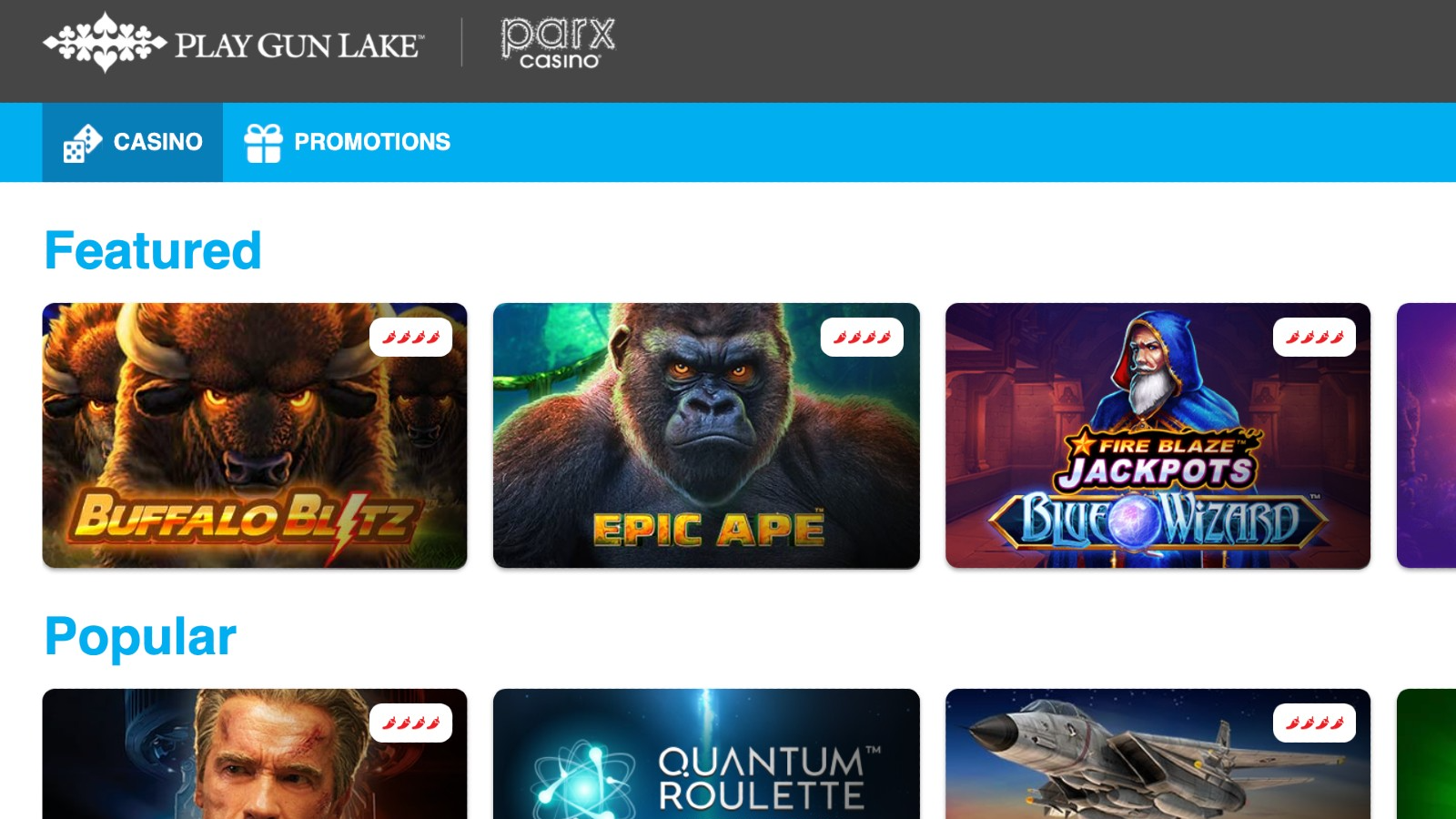
Because gambling apps are blocked on Google Play in the United Kingdom, Total Casino does not offer the app there. Sideloading thus is the authorized route. If you choose not to side-load, the browser site is completely responsive and maintains almost every app function excluding biometric login and prompts.
Differences from the Desktop Site
The PC website remains to present the widest range of progressive jackpot slots as some providers limit jackpot pools to browser play. The app compensates by highlighting unique daily tournaments that give free spins solely to mobile users. Navigation is streamlined into a bottom tab bar, taking the place of the multi-column menus of the desktop version, and portrait orientation is enforced for the most of titles to maximise reel visibility on smaller screens.
Function Parity and Gaps
Account verification, withdrawal requests and full banking history are the same across platforms. The only persistent gap is the failure to run multiple game windows simultaneously on phones, a restriction enforced by screen size rather than software. Tablet users can rotate to landscape and open a second game beside the first, closing that particular gap for larger devices.
No comment